


CTE Curriculum
Prepare learners with CTE curriculum aligned to industry standards.

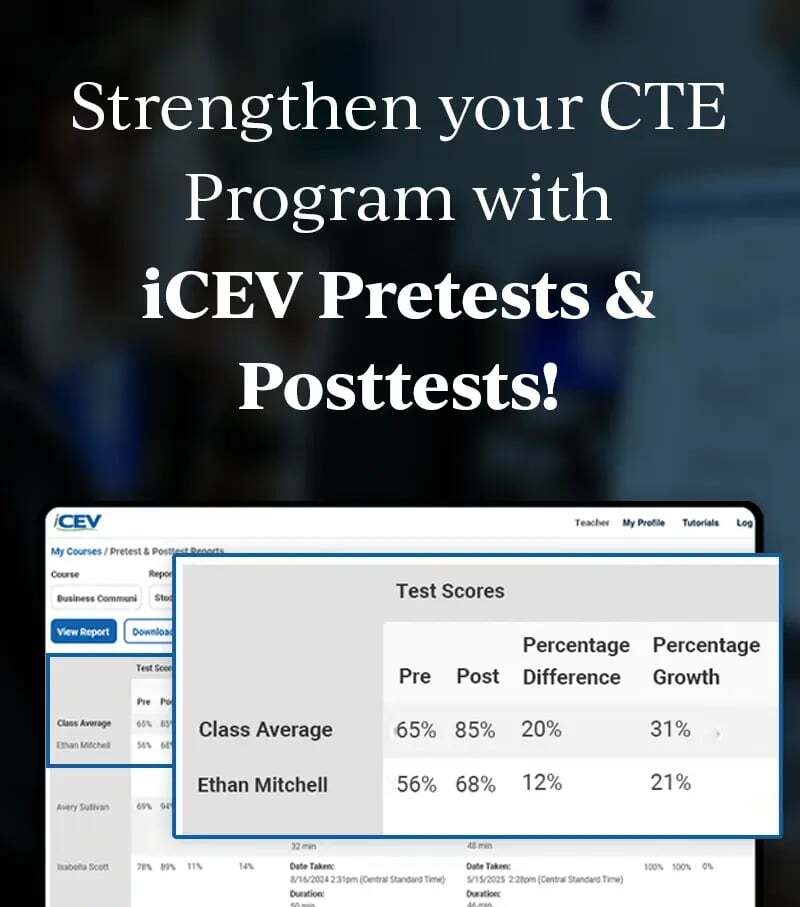

On-Demand Webinar
Progress Check: Earlier Insight into Learner Growth
See how students are performing during instruction, not just at the start and end of a course. Learn how Progress Check works for administrators and teachers in this 25-minute walkthrough.

Meet the Presenter
Charlene Ling, Product Owner, iCEV
Charlene helps educators get the most from iCEV's assessment tools.
Get Instant Access
Catch Learning Gaps While There's Still Time to Act
Pretests show where students start. Posttests show how far they've grown. But when a learner struggles in the middle of a course, the gap often doesn't surface until it's too late to reteach.
Progress Check changes the timeline. This new, optional checkpoint sits between the pretest and posttest, giving educators a growth signal during instruction. In this session, iCEV Product Owner Charlene Ling walks through how administrators enable Progress Check, how teachers manage it day to day, and how to turn standards-level results into targeted reteaching.
What You'll Learn
- How Progress Check fits alongside Pretests and Posttests
- The administrator experience, including the new Settings tab and global Progress Check toggle
- How to configure teacher permissions for each testing milestone
- The teacher experience for approving learners and tracking test status
- How to read Progress Check data in standards and student score reports
Pretest, Progress Check & Posttest
A new checkpoint in the middle of instruction, so growth data arrives while you can still act on it.
Before instruction
Pretest
Establishes each learner's baseline.
During instruction New & Optional
Progress Check
Surfaces gaps by standard while there's still time to reteach.
After instruction
Posttest
Measures overall growth from the pretest baseline.
Frequently Asked Questions
Does Progress Check cost extra?
No. Progress Check is included with Pretest and Posttest licensing at no added cost.
Who can turn on Progress Check?
Only administrators. It’s a single setting for the entire organization, with no per-course or per-teacher option.
Why don’t I see Progress Check in my account?
Your organization needs Pretest and Posttest licensing, and your administrator needs to turn Progress Check on in the Pretest and Posttest Settings tab.
Do students have to take Progress Check before the posttest?
Yes. When Progress Check is on, the posttest can’t be enabled until students complete it. No minimum waiting period applies between the two.
Do pretest exemptions carry over to Progress Check?
No. Pretest exemptions apply to the pretest only. Exempt learners still complete Progress Check and the posttest.
How is growth calculated?
Growth percent and percent difference still compare pretest to posttest scores, just as they do today. Progress Check results appear alongside them as a midpoint view.
Upcoming Event
April 10th Webinar
This event is live, but an on-demand feature will be available for those who cannot attend on the 10th.